One desktop app.
Everything in one place.
These screens are from the current MiniNet build and show the features testers can interact with.
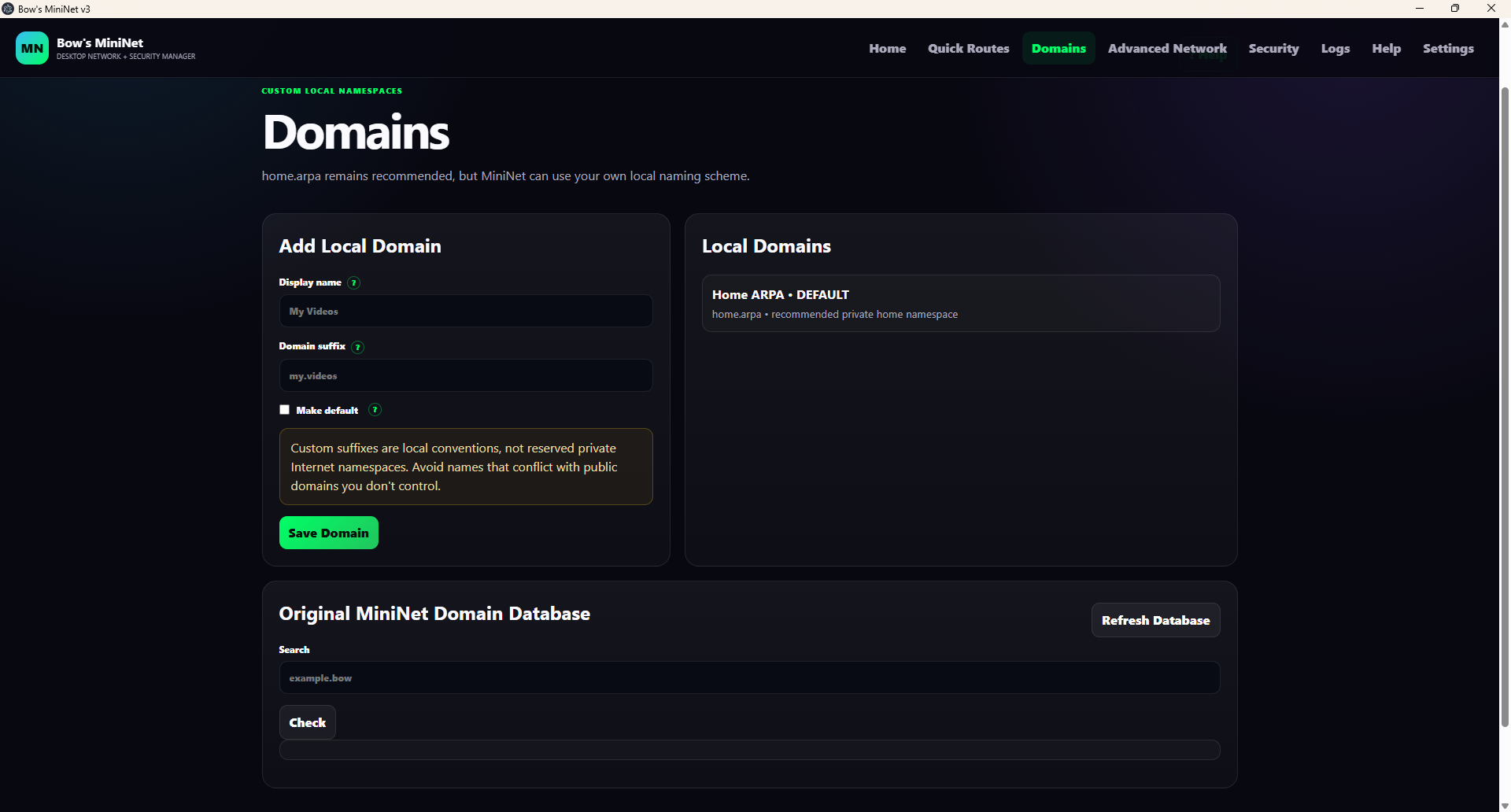
Use the naming scheme you want.
MiniNet keeps home.arpa as the recommended conventional private-home namespace, but you can create local suffixes such as home.bow, my.videos, or my.modem.
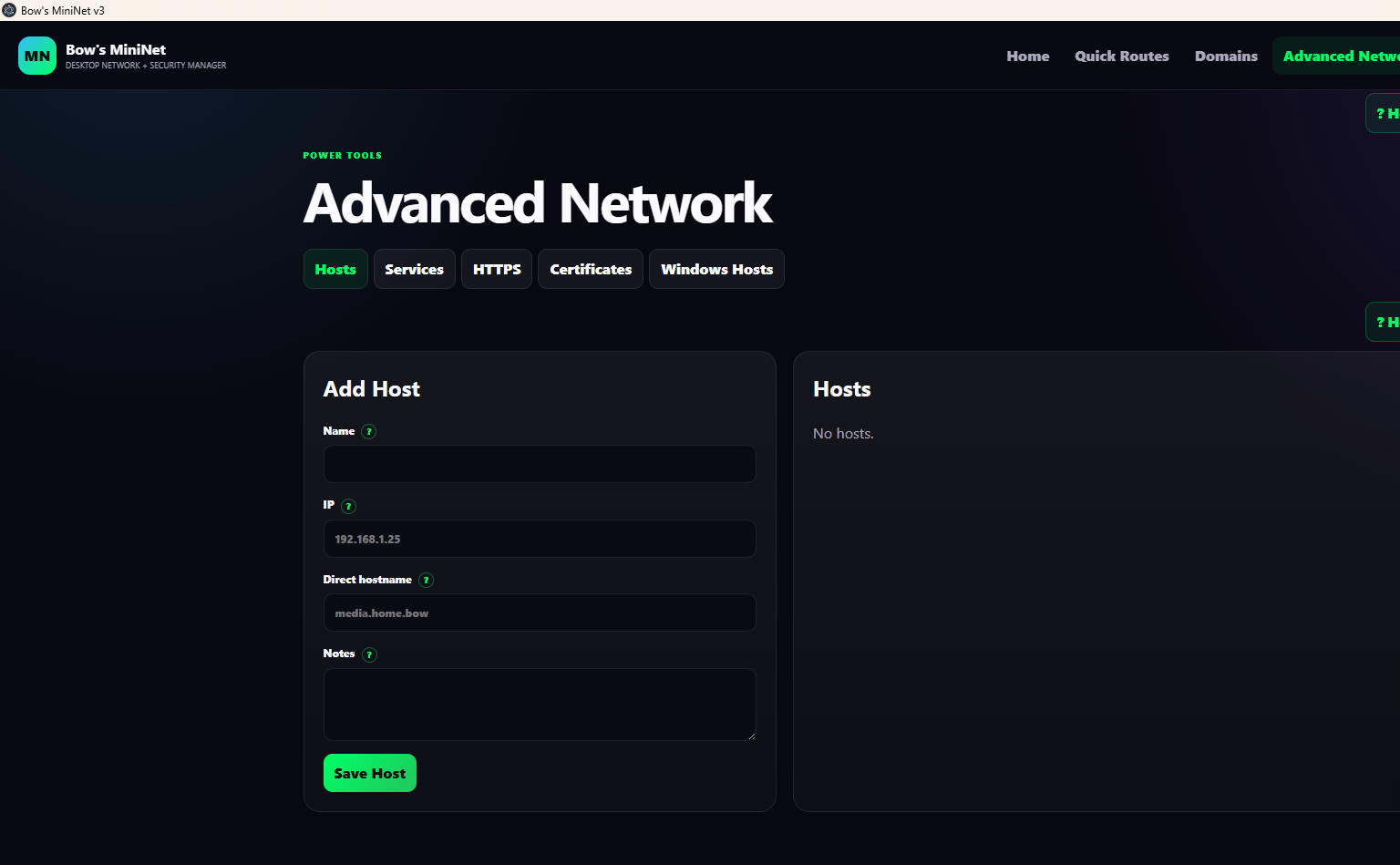
Keep track of the actual machines.
A Host is the real PC, NAS, server, VM, router, or other machine. MiniNet stores its name, LAN IP, direct hostname, and notes.
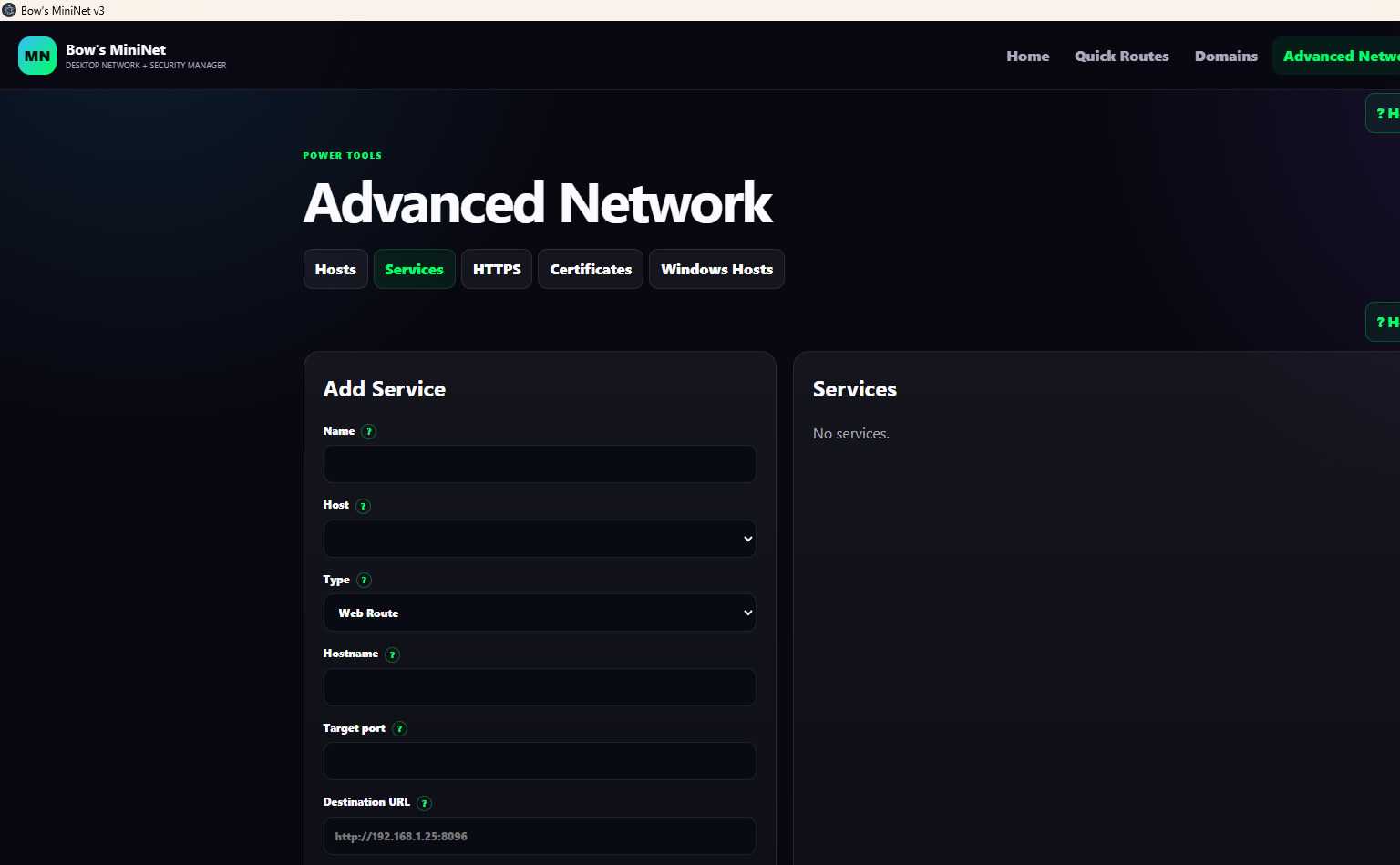
Know what runs where.
Add Services to Hosts and choose whether they are browser-based Web Routes or Direct Services such as SSH.
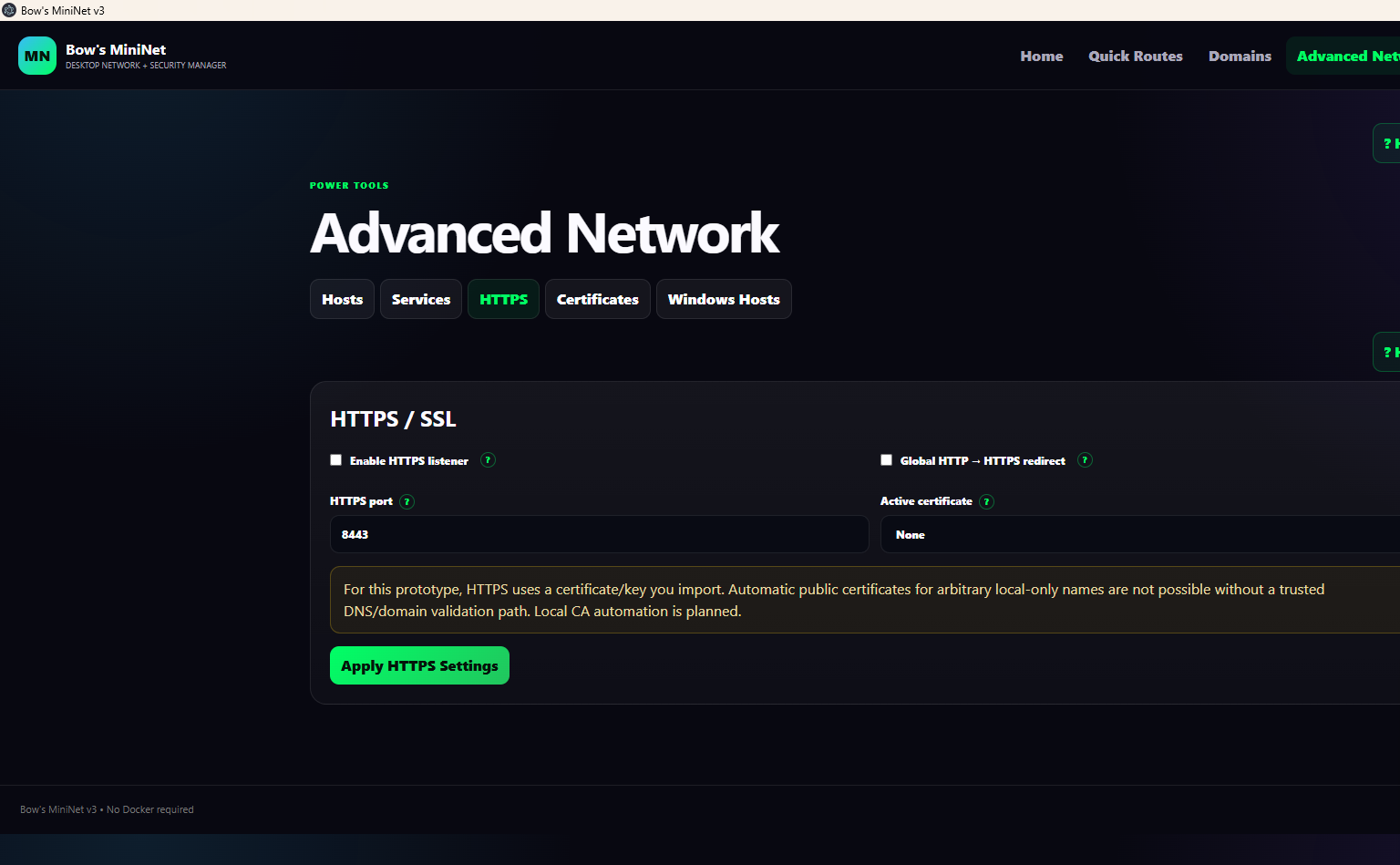
Add encrypted routes when you're ready.
MiniNet includes an HTTPS listener, configurable HTTPS port, active certificate selection, and global HTTP → HTTPS redirection.
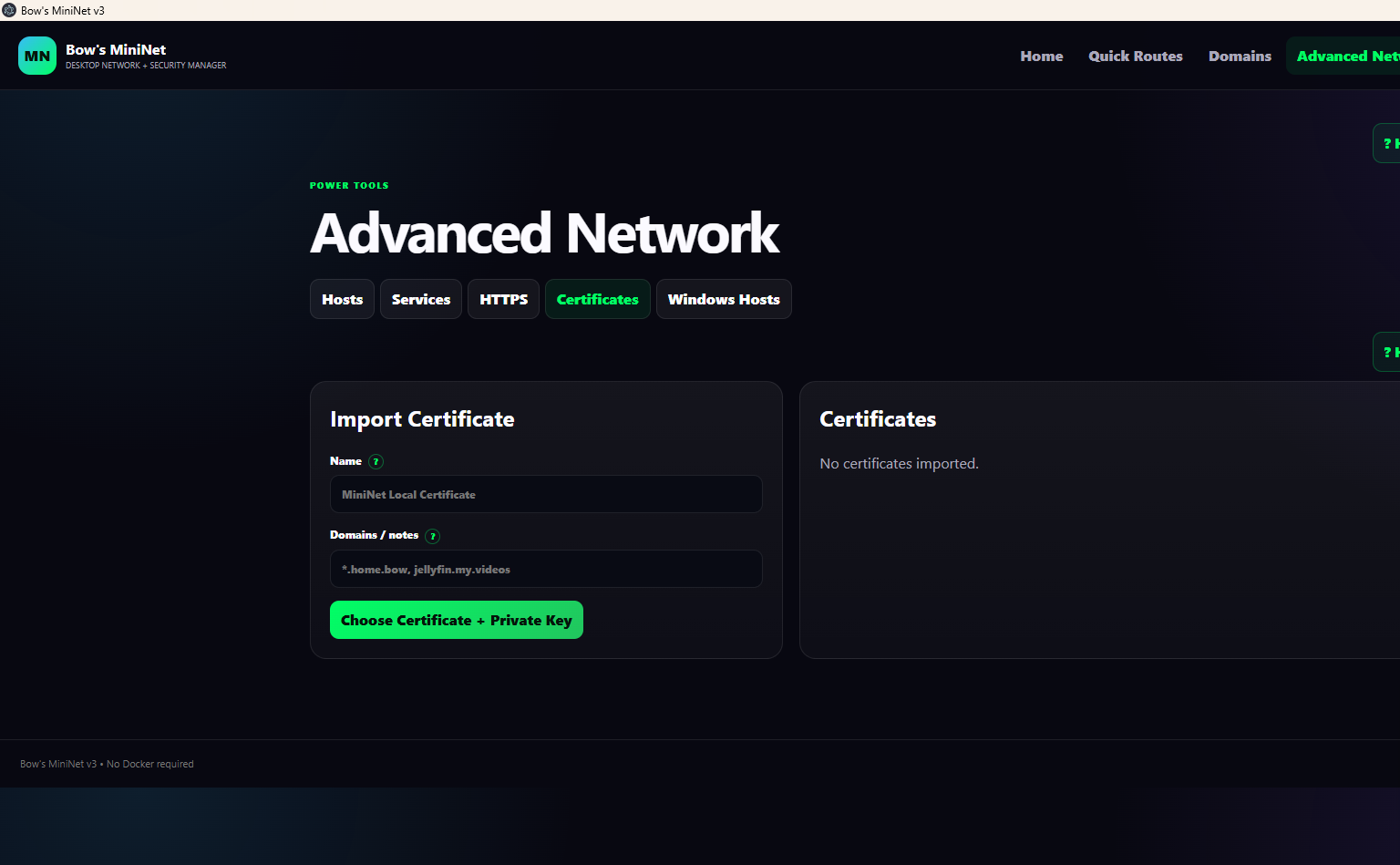
Manage the certificates MiniNet uses.
Import a certificate and its matching private key, give it a friendly name, and note which domains it covers.
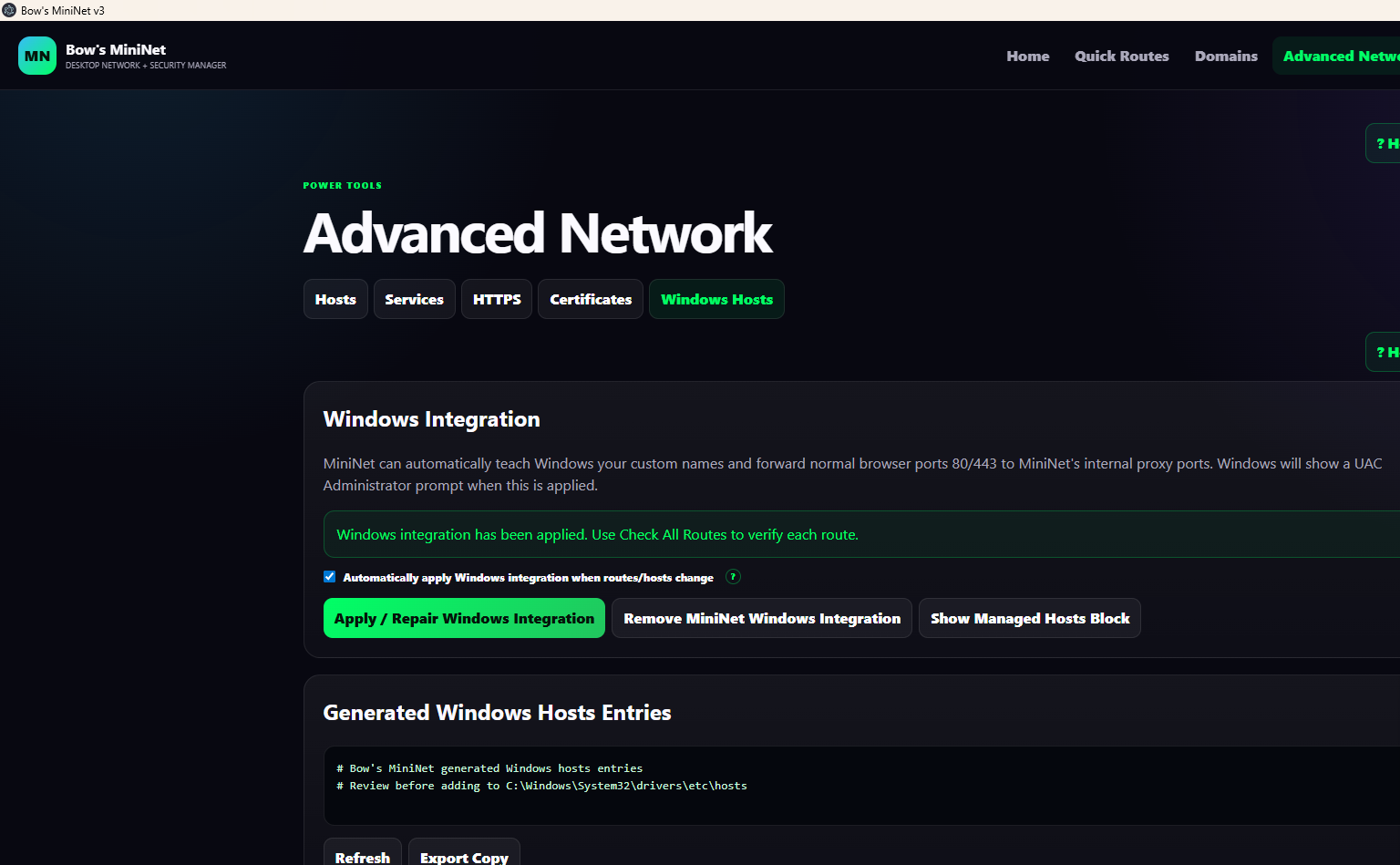
Make custom routes part of the local Windows setup.
MiniNet can apply or repair its Windows integration, automatically maintain integration when routes/hosts change, remove its integration, show the managed hosts block, and generate/export Windows host entries.